1. Add
Drop in songs, recordings or a whole folder
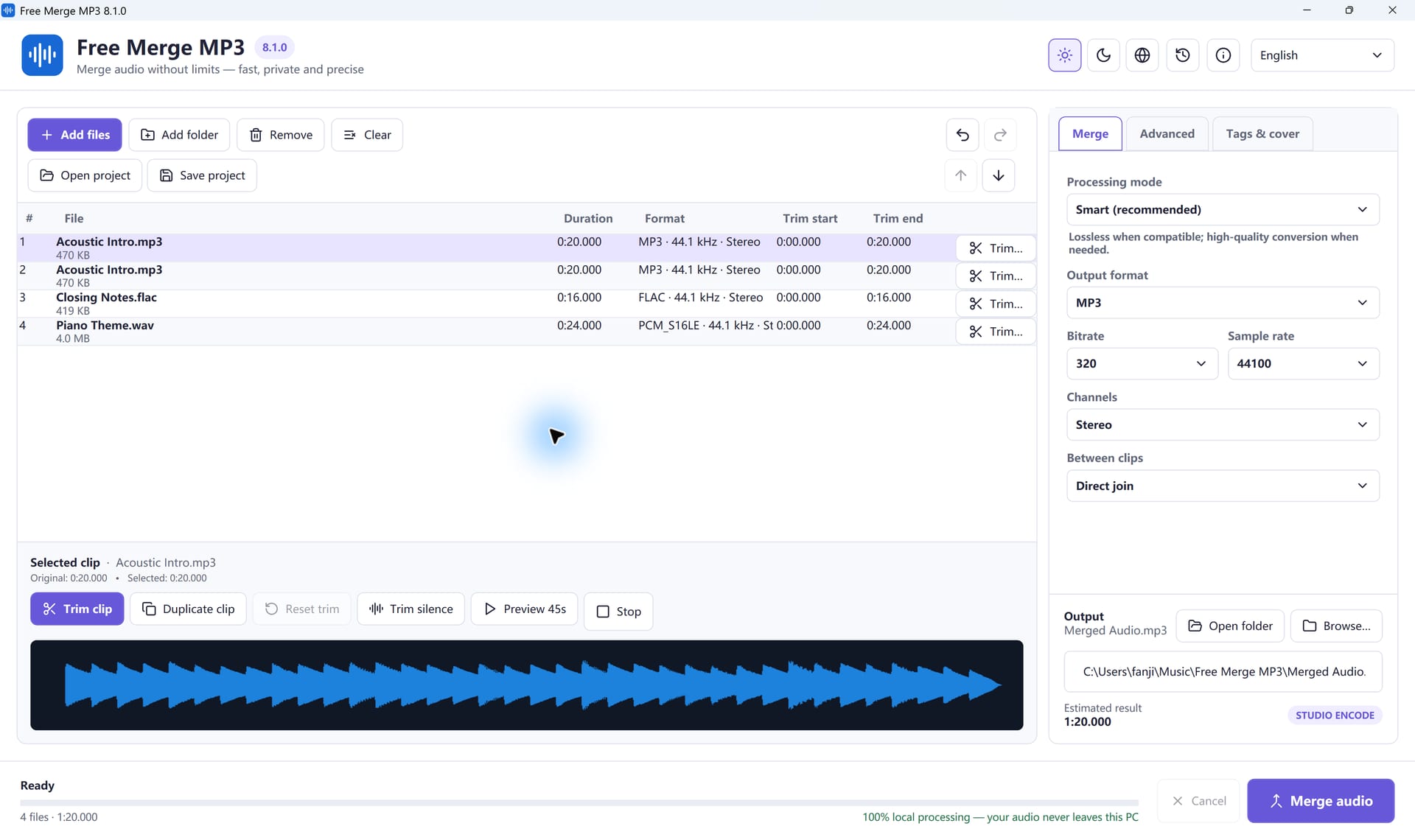
Free Merge MP3 joins your songs, recordings and audio clips into one file, in the order you choose, right on your Windows PC.
Free forever. No account needed · Windows 11 & 10 (64-bit)
No timeline, no learning curve.
Drop in songs, recordings or a whole folder
Drag clips into order and trim what you don't need
Pick a format and get one finished file
Everything you need to turn many files into one, and nothing you don't.
Drop in songs, voice notes or a whole folder, then drag them into the order you want to hear. Two clips or two hundred, it works the same way.
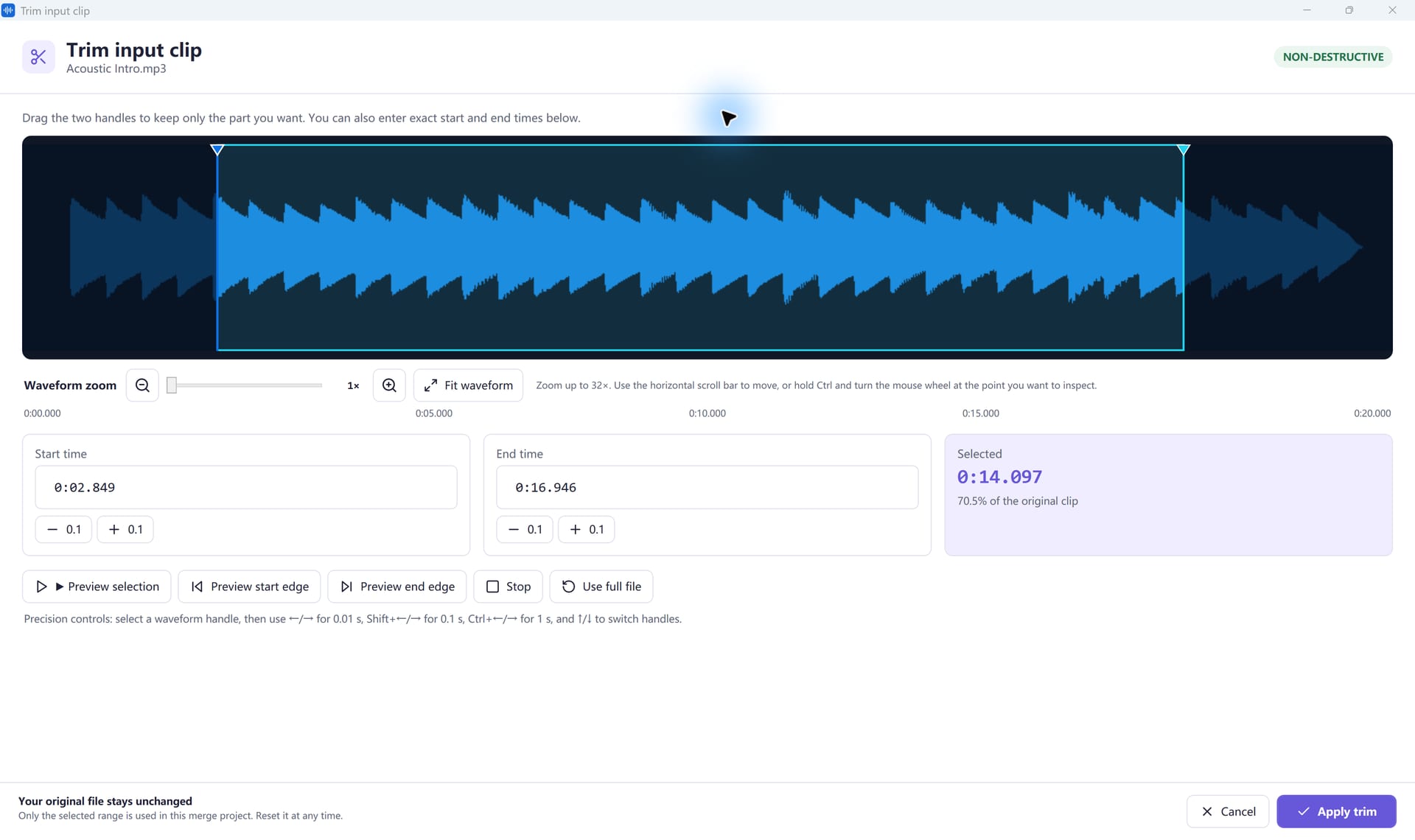
Cut a silent intro or a long ending before you merge. Your original files are never changed.
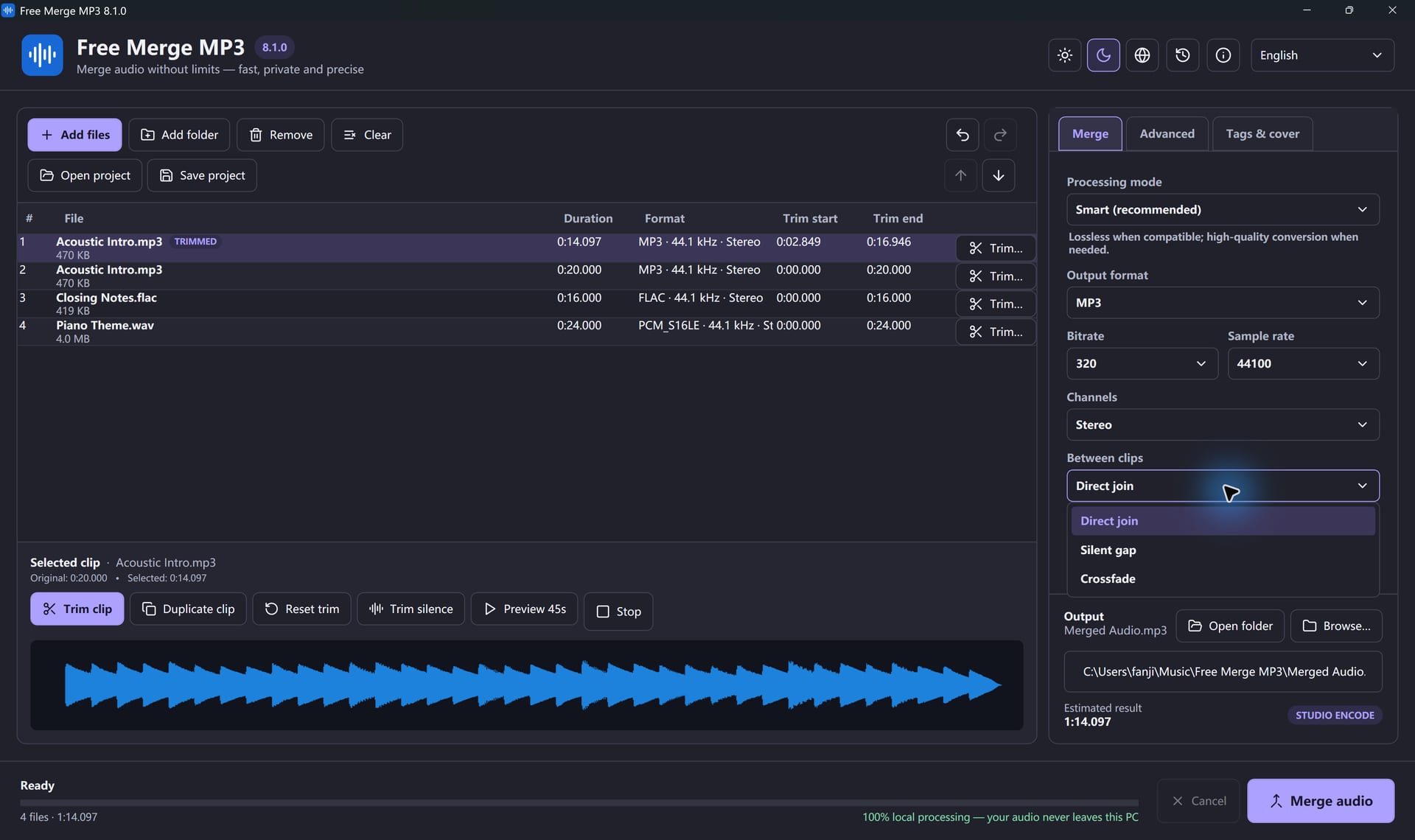
Play clips back to back, leave a short pause, or let one song crossfade into the next.
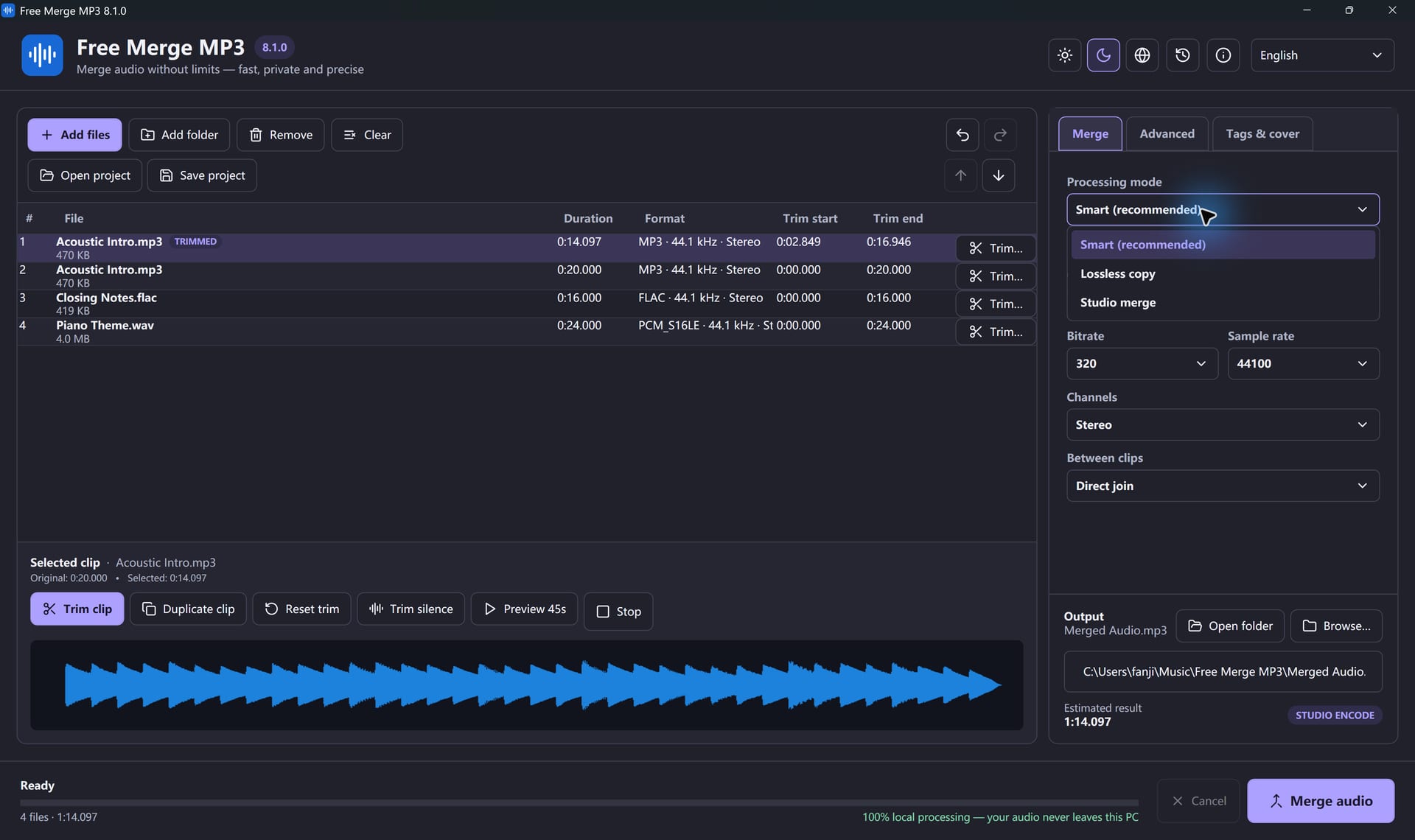
When your MP3s already match, Smart mode joins them without re-encoding, so the result sounds exactly like the originals.
Save one MP3, M4A, WAV, FLAC, OGG or Opus file, at up to 320 kbps.
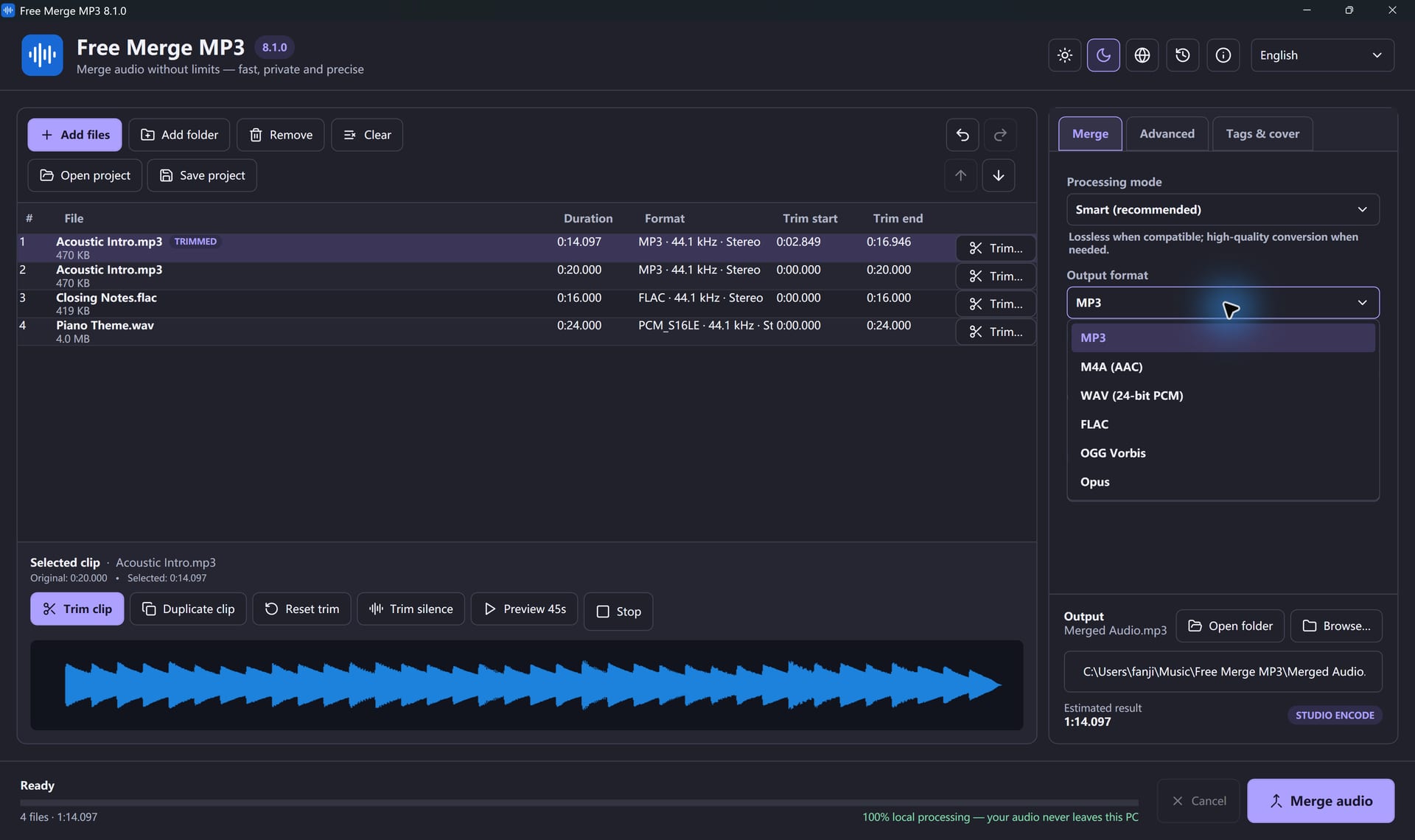
Give the finished file a title, artist and album cover, and export a CUE sheet that marks where every track begins.
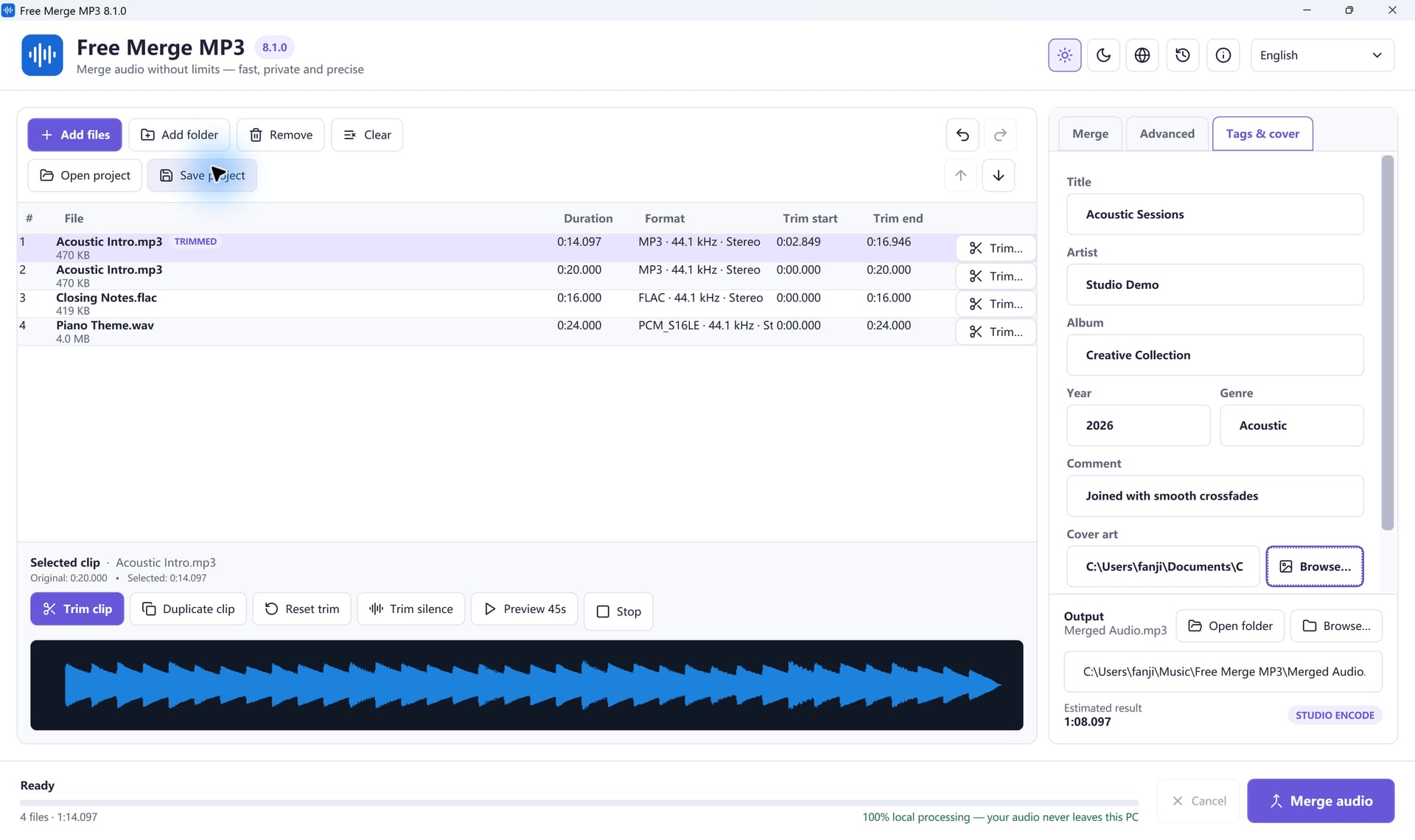
Whatever you're putting together, it ends up as one clean file.
Turn your favorite songs into one continuous MP3.
Learn MoreStitch the intro, segments and outro into one episode.
Learn MoreAdd a folder of chapters and save a single file.
Learn MoreWAV, FLAC, M4A and MP3 in. One clean file out.
Learn MoreKeep the original quality when nothing needs to change.
Learn MoreNothing is uploaded. Every file stays on your PC.
Learn MoreInstall once. Your first merge takes a few clicks.
Learn more about merging audio with Free Merge MP3
Yes. Merging, trimming, crossfades, tags and every output format are free. There is no paid export, no watermark and no account.
Click Add Files, drag the songs into order, pick MP3 as the output and click Merge audio. You get one new file and your originals stay untouched.
Not when the files match and you join them straight. Smart mode then copies the audio without re-encoding. Trims, crossfades, fades or loudness changes need an encode, so choose a high bitrate such as 320 kbps.
Each merge takes from 2 to 200 clips.
Yes. Mixed formats can sit in the same list. The app decodes them and saves the single output format you choose. It can also read the audio track from MP4, MOV and WebM files.
Yes. Choose a direct join, a silence gap of up to 30 seconds, or a crossfade between every clip.
No. Everything happens on your PC. Nothing is sent to an online converter.
No. Free Merge MP3 joins audio files you already have. It does not download online videos, record, or burn discs.
Windows 11 and Windows 10, 64-bit. Setup offers Microsoft .NET Desktop Runtime 8 if your PC needs it. There is no Mac version.
Download the free app and join your first files today.
Download Free Merge MP3Windows 11 & 10 · Free forever · No watermark